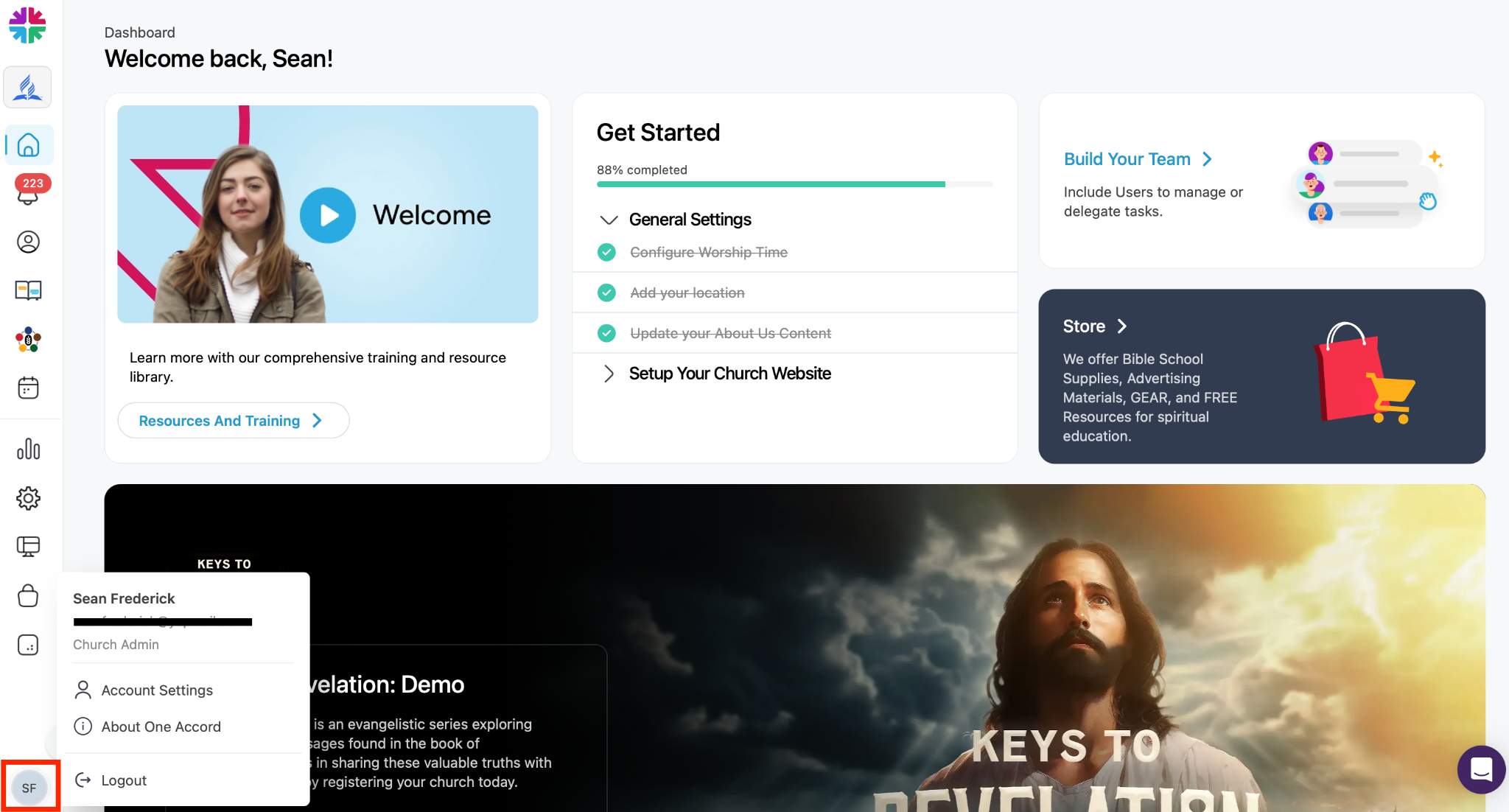
One Accord Dashboard Overview

Accessing the Dashboard
After logging into One Accord at https://admin.oneaccord.cc/login, you’ll arrive at the main dashboard. Please note: some menu and software features may vary depending on your territory or account permissions.
Main Navigation Overview:
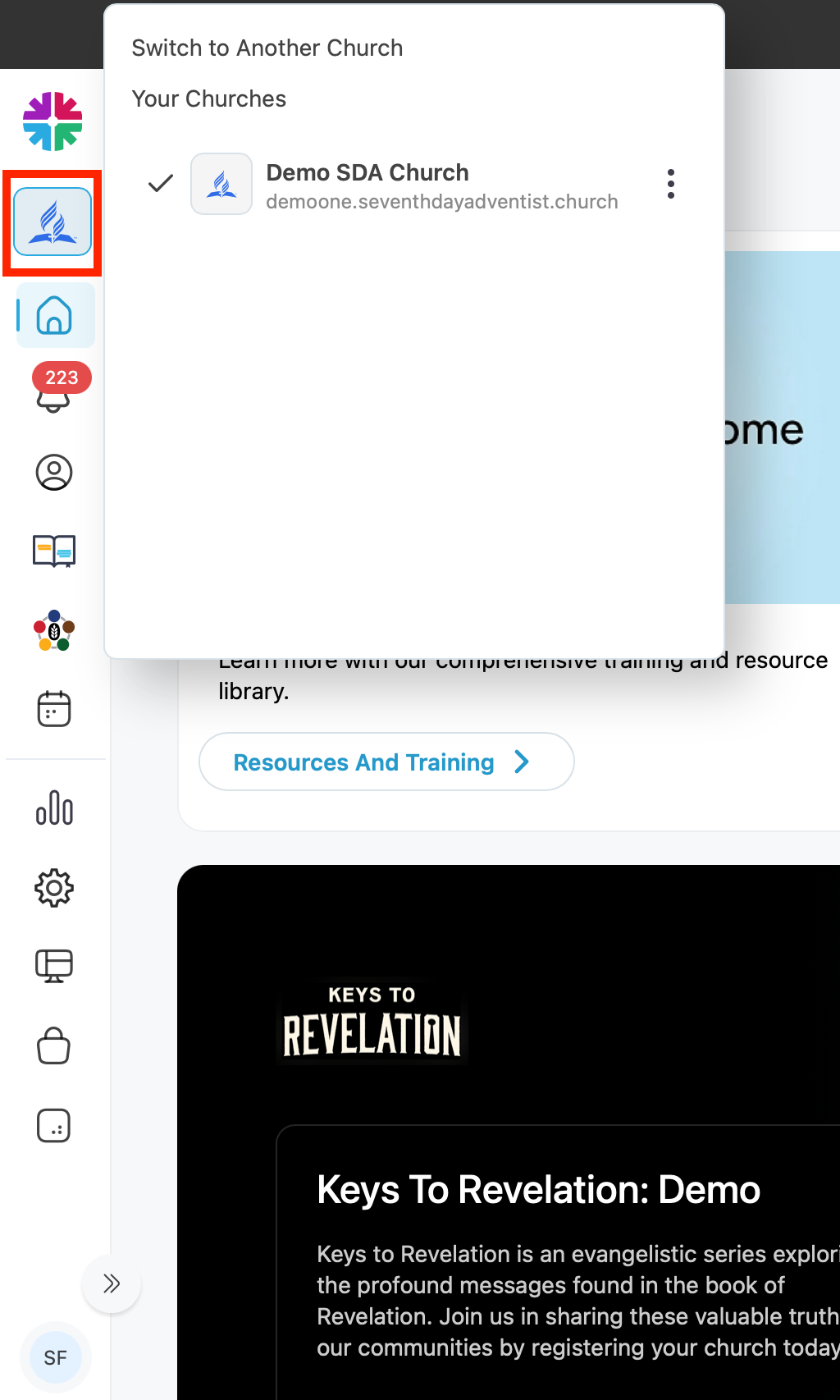
Account Switcher
Located in the top-left corner under the Seventh-day Adventist Church logo.
Use this to switch between multiple church accounts if you:
- Pastor multiple churches
- Work with several church accounts
- Help manage different ministries
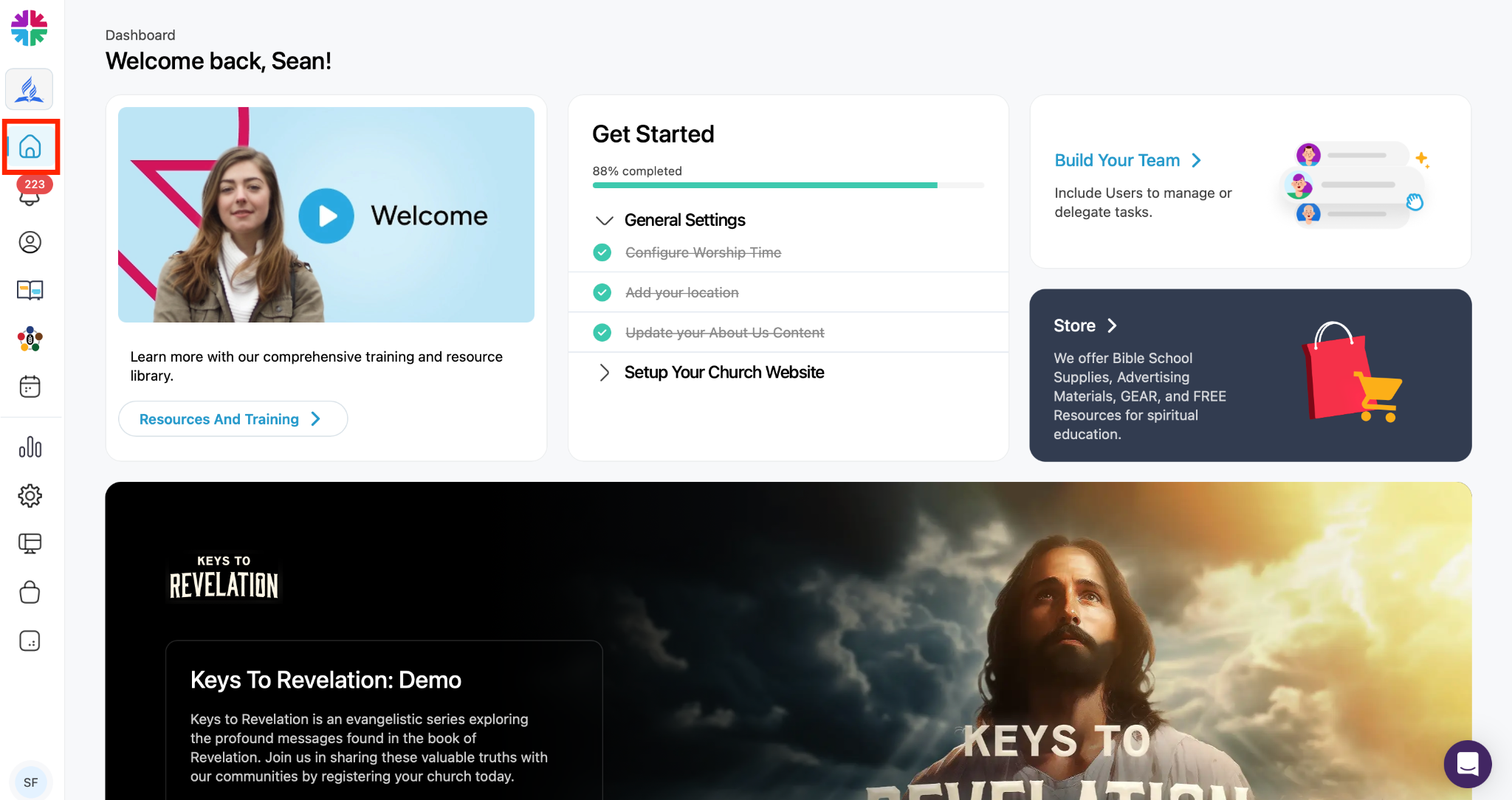
Home Dashboard
The Home button returns you to the main dashboard.
Here you can view:
- Analytics
- Activity summaries
- General account information
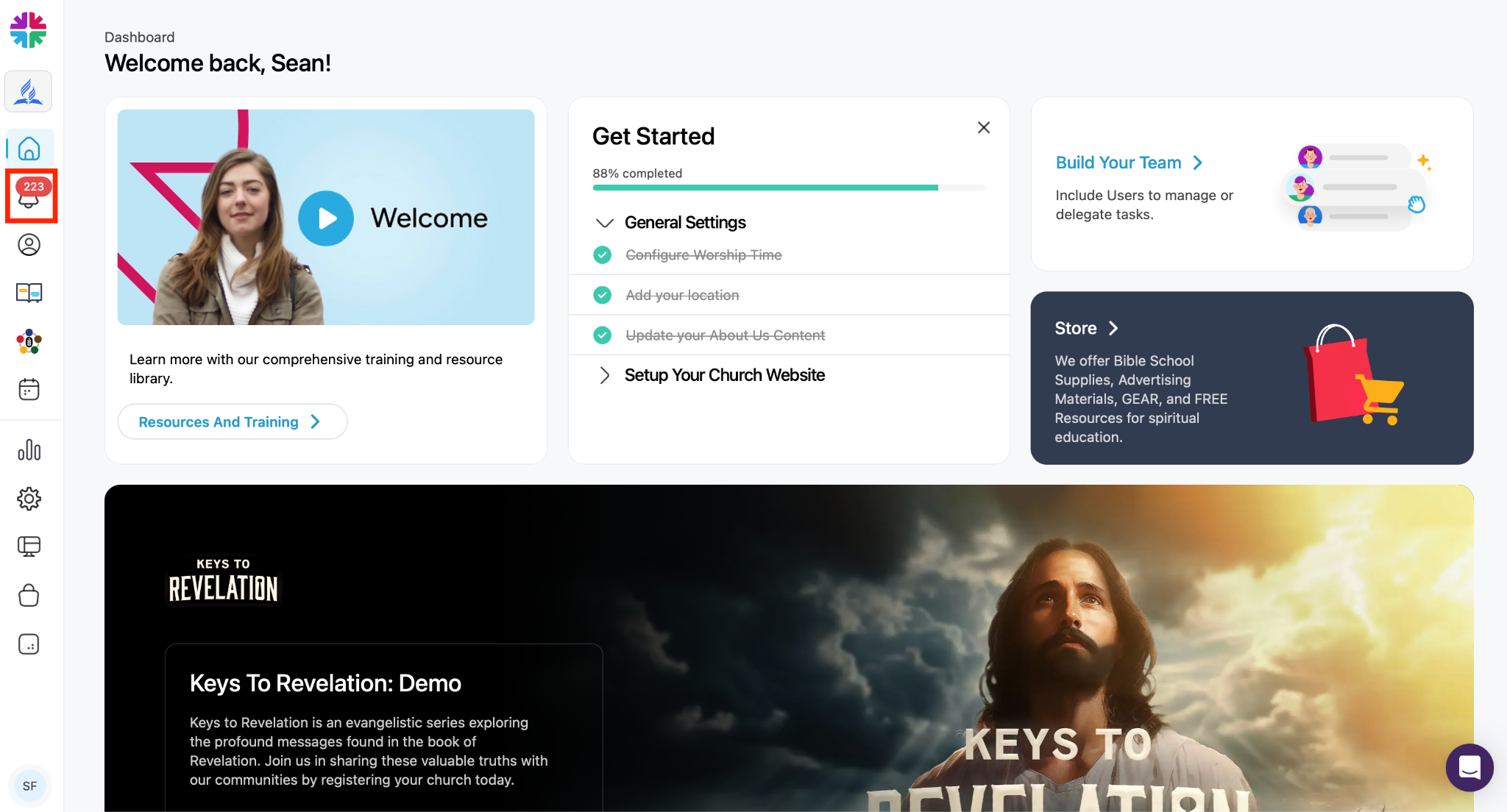
Notifications
The bell icon displays notifications for:
- New interests added
- Activity updates
- System alerts
You can:
- View unread notifications
- Mark notifications as read
People Section
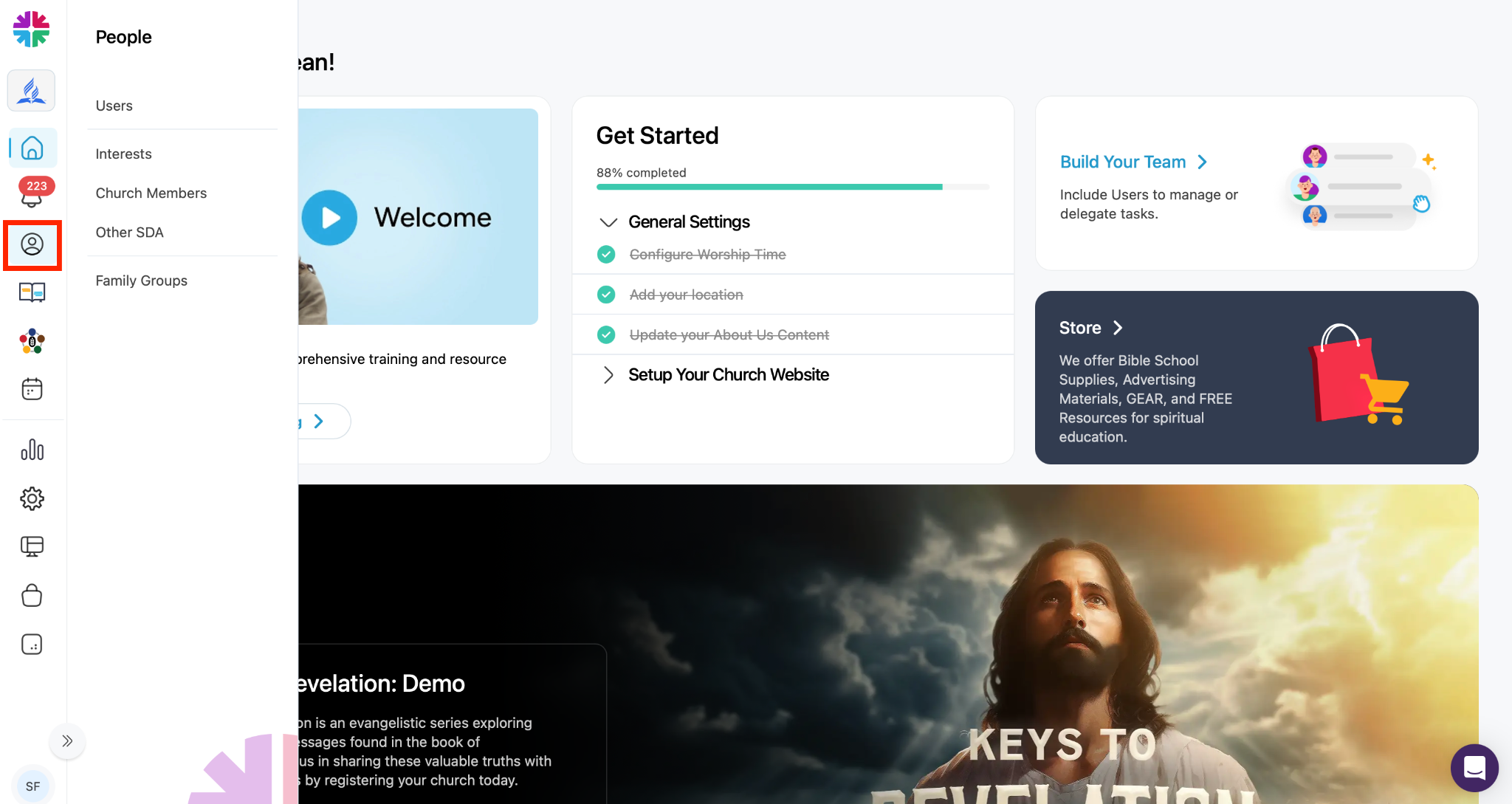
The People section is the core area for managing contacts.
Users
People on your church team who use the One Accord system.
Interests
Community contacts your church is working with.
Church Members
A directory of your church members.
Other SDA
Seventh-day Adventists from other churches who have interacted with your church or events.
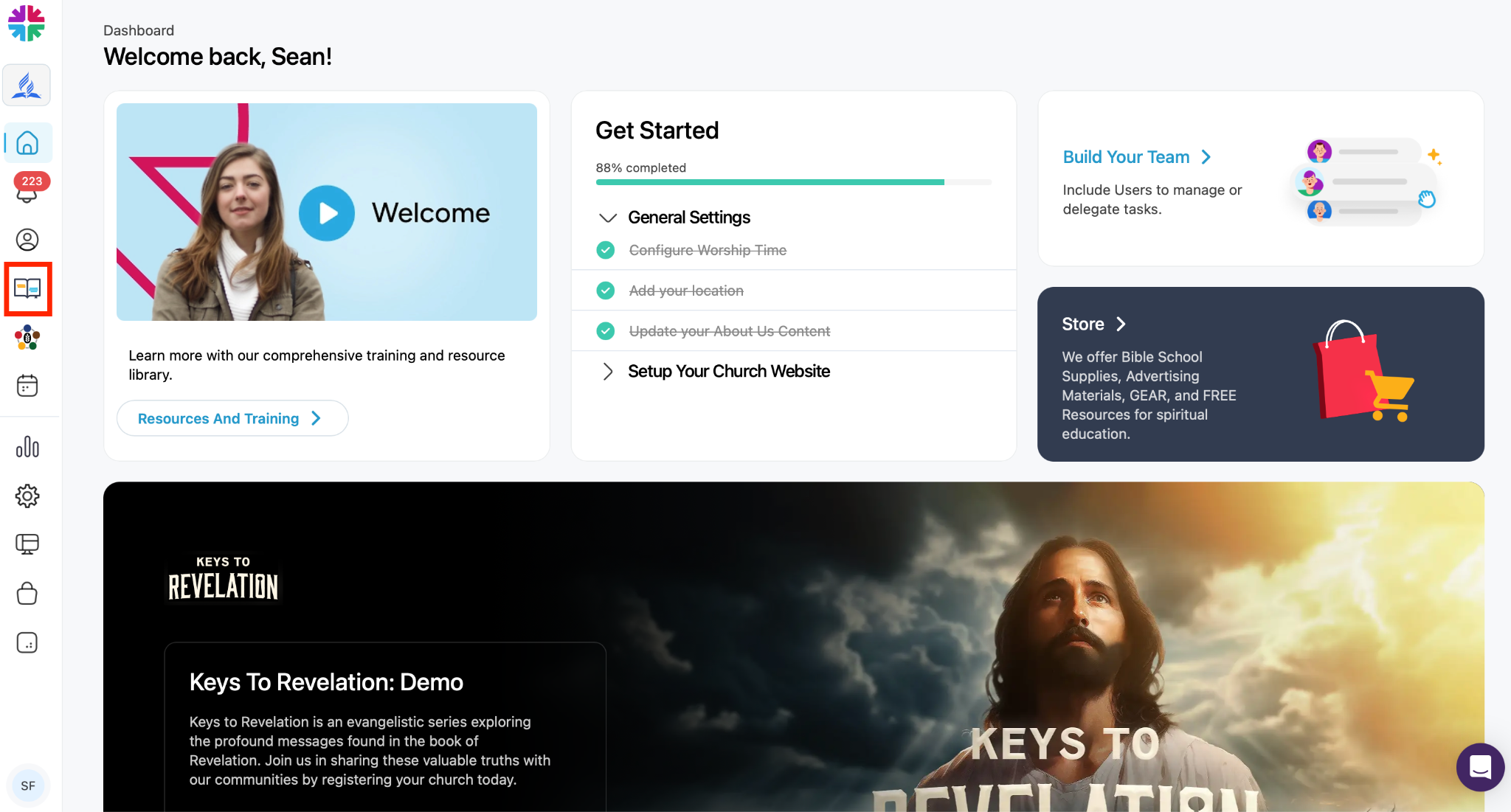
Bible Study Interests
Quick access to individuals who have requested Bible studies.
Useful for:
- Bible school coordinators
- Personal ministries leaders
- Tracking study progress
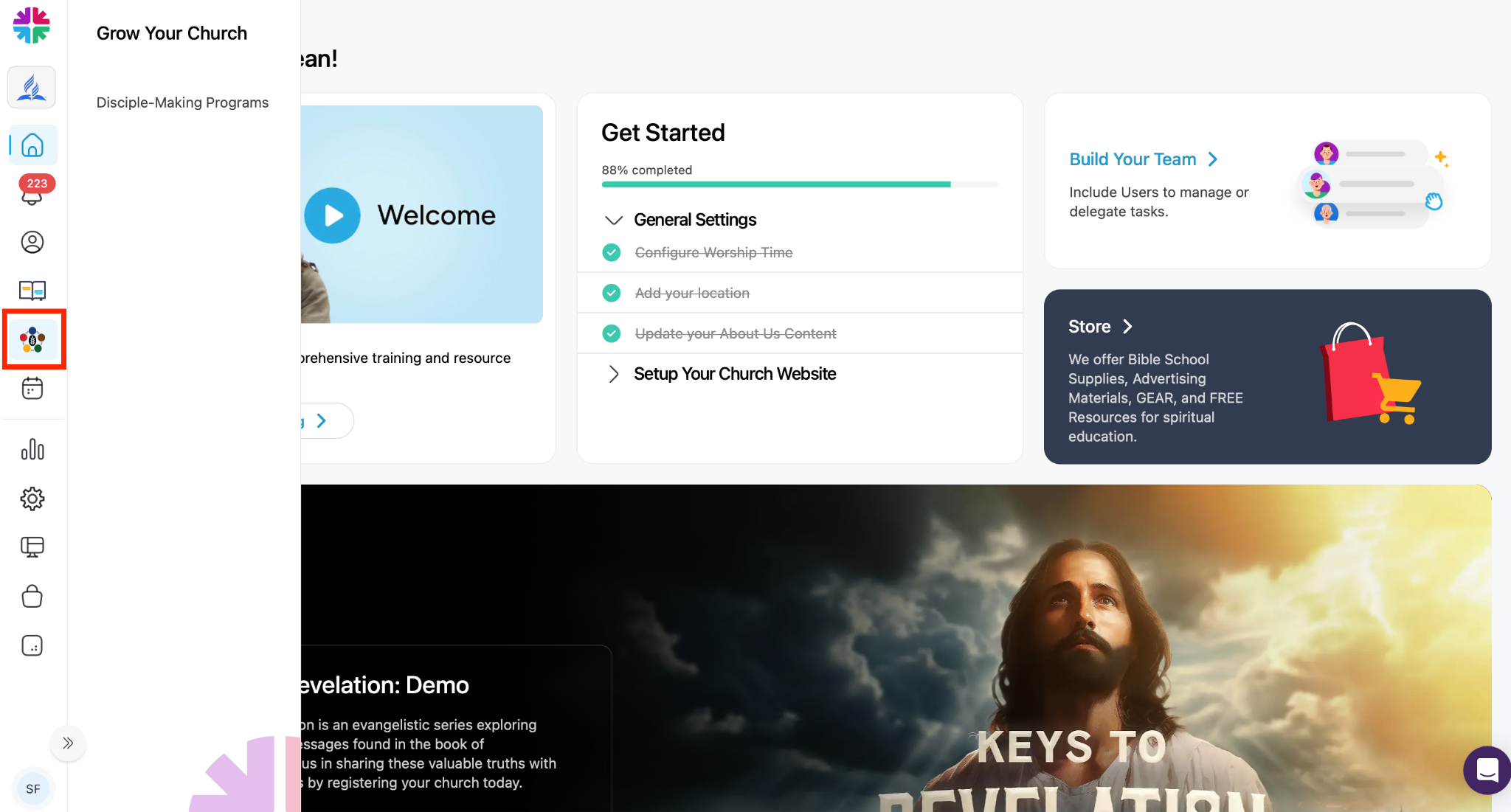
Grow Your Church
Disciple Making Programs
Manage and customize church programs.
Examples include:
- Bible schools
- Baptismal preparation
- Discipleship programs
You can:
- Use built-in resources
- Add custom study series or programs
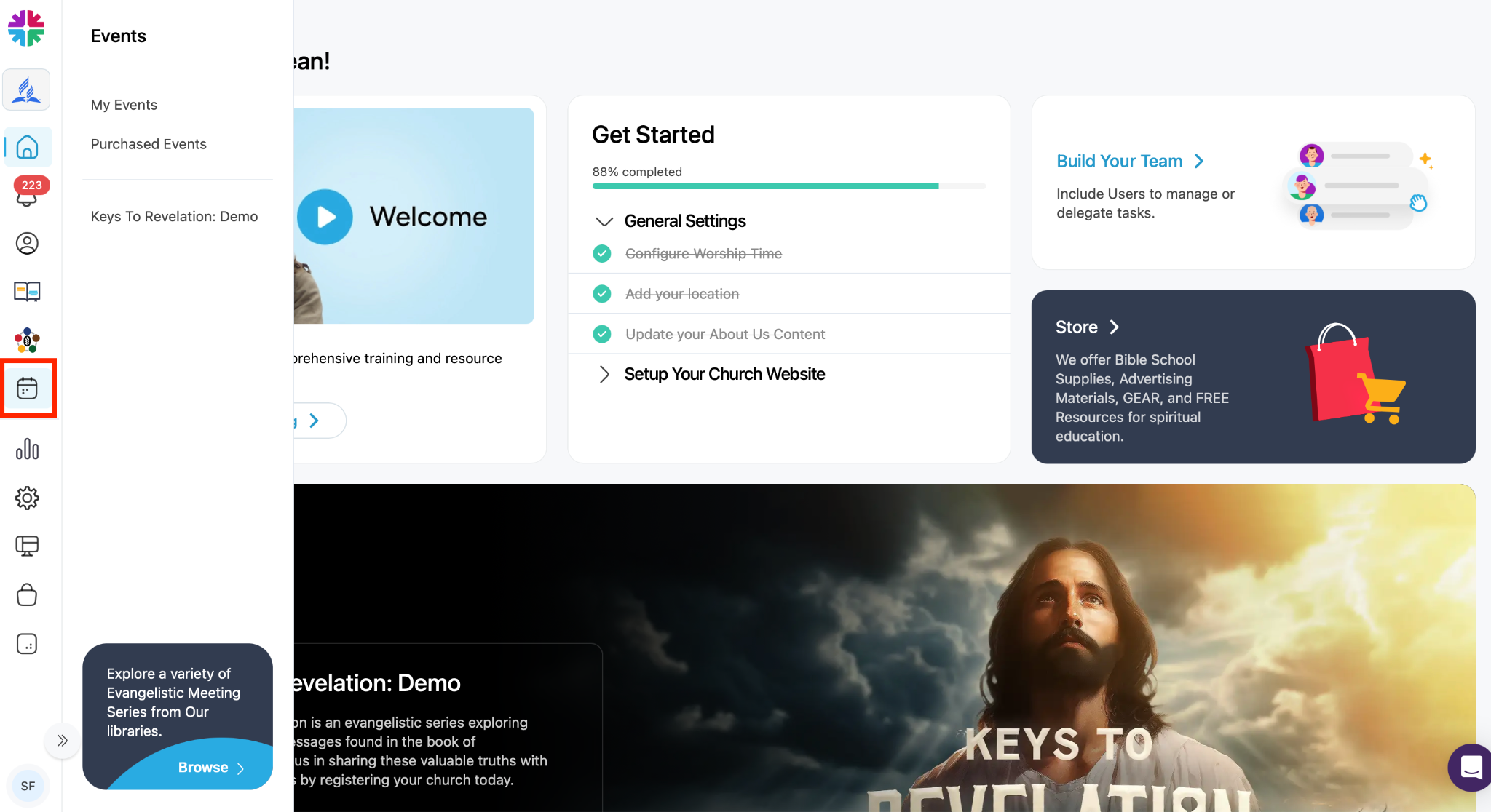
Events
Use the Events section to create and manage church events.
Examples:
- Vacation Bible School
- Evangelistic meetings
- Community supper clubs
- Outreach events
The system includes a library of prebuilt event templates.
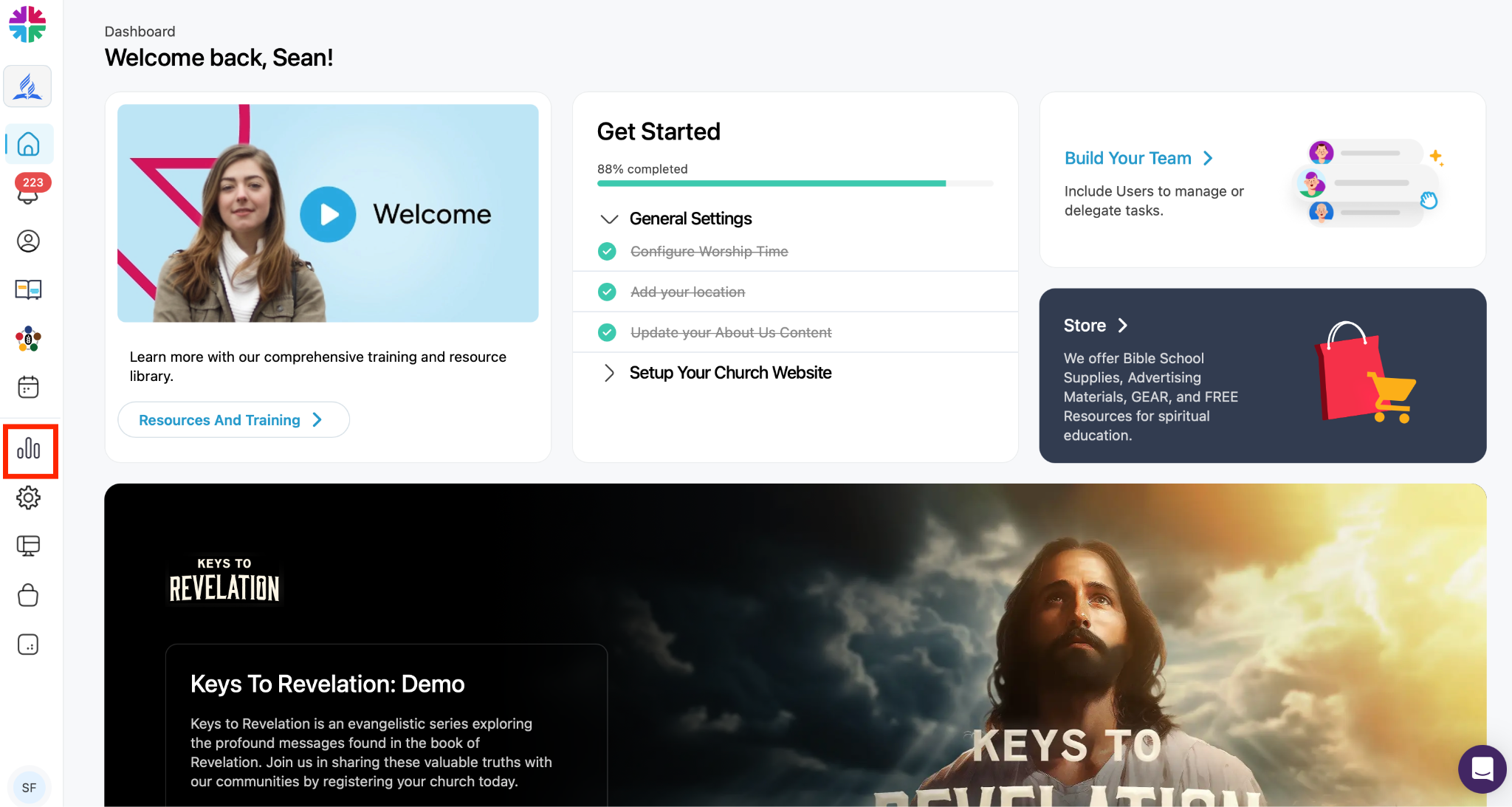
Reports
The Reports section provides access to church and ministry reports.
Additional reporting features may be added over time.
Settings
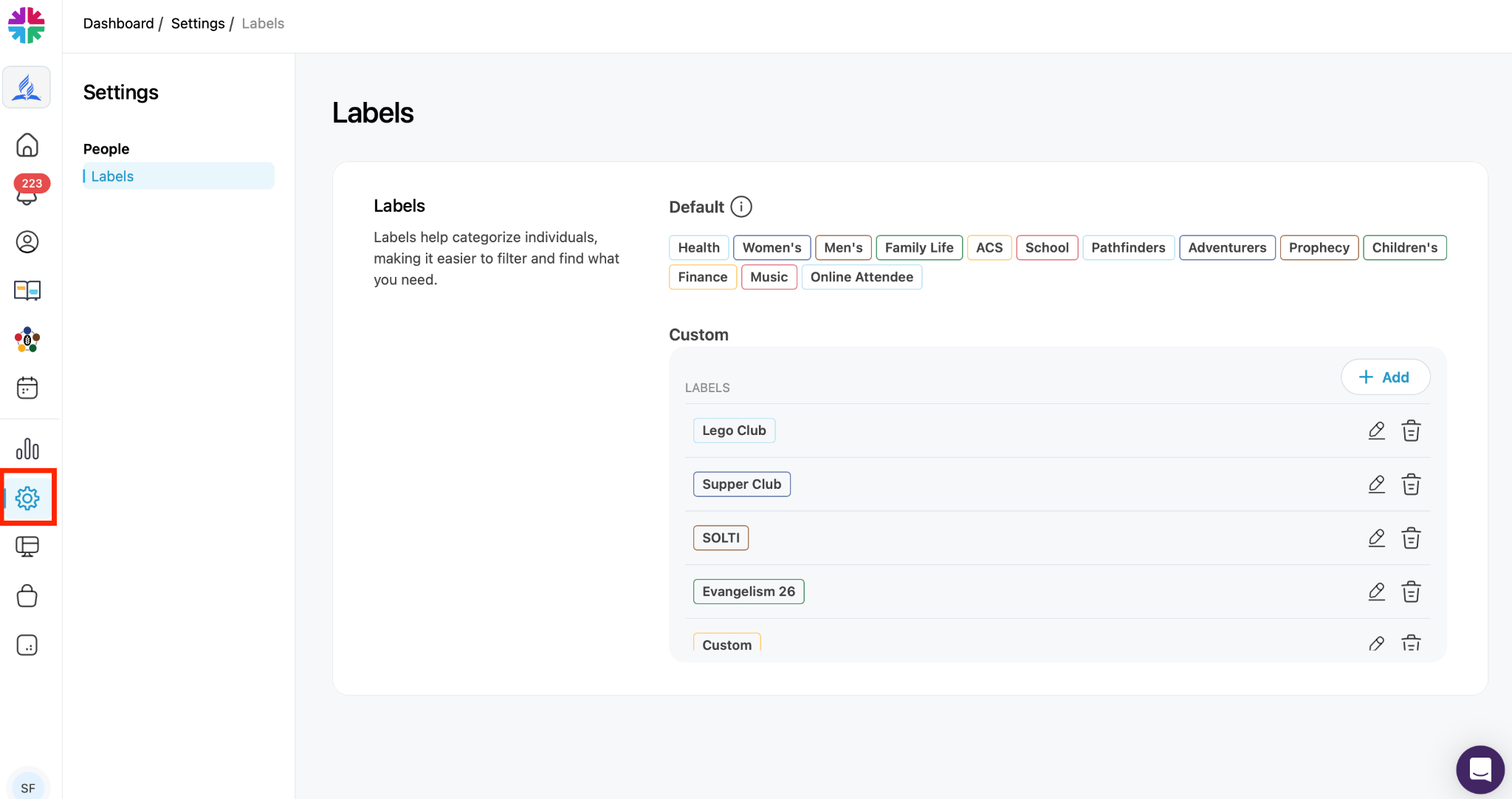
Labels
Manage labels used to categorize people.
Examples:
- Men’s Ministry
- Women’s Ministry
- Family Life
Labels help organize contacts and interests.
Website Management
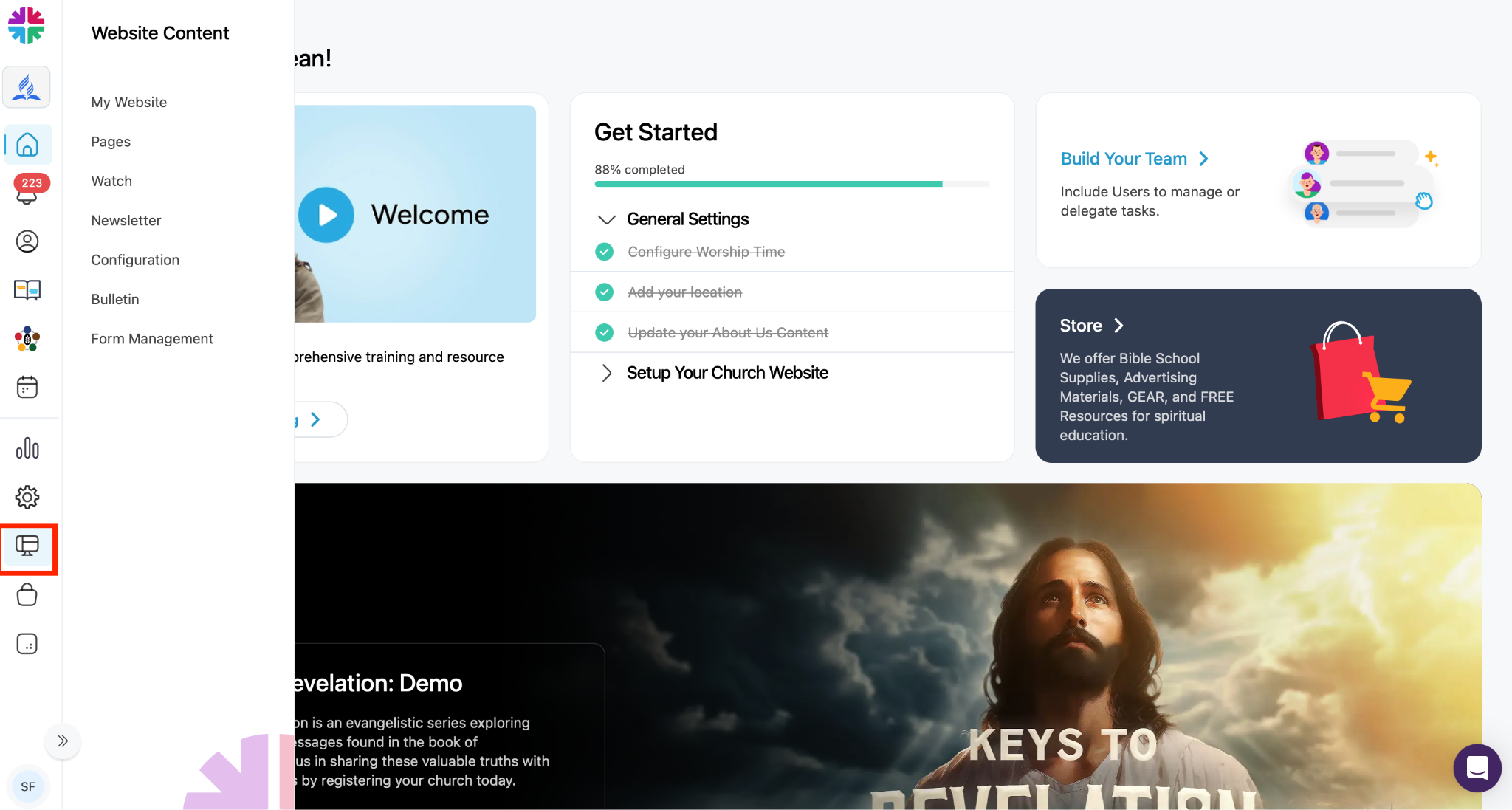
One Accord includes an optional church website.
Use the Website section to:
- Edit website content
- Manage church information
- Configure site settings
Store
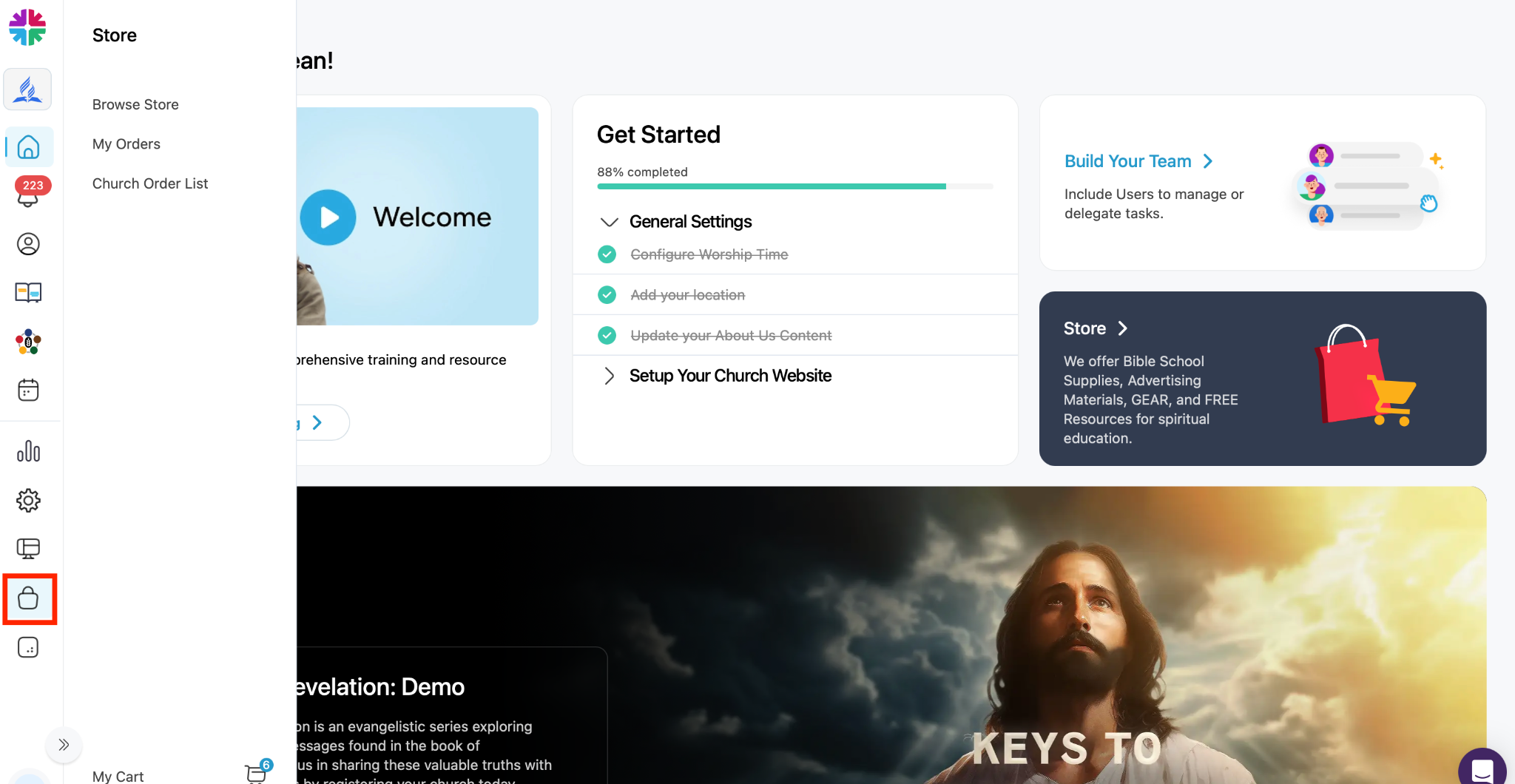
The Store section allows you to
- Browse the Store:
- Order Bible study materials
- Purchase promotional items
- Access evangelism resources
- Buy church gear
- View Your Order List (My Orders)
- View the Church Order List
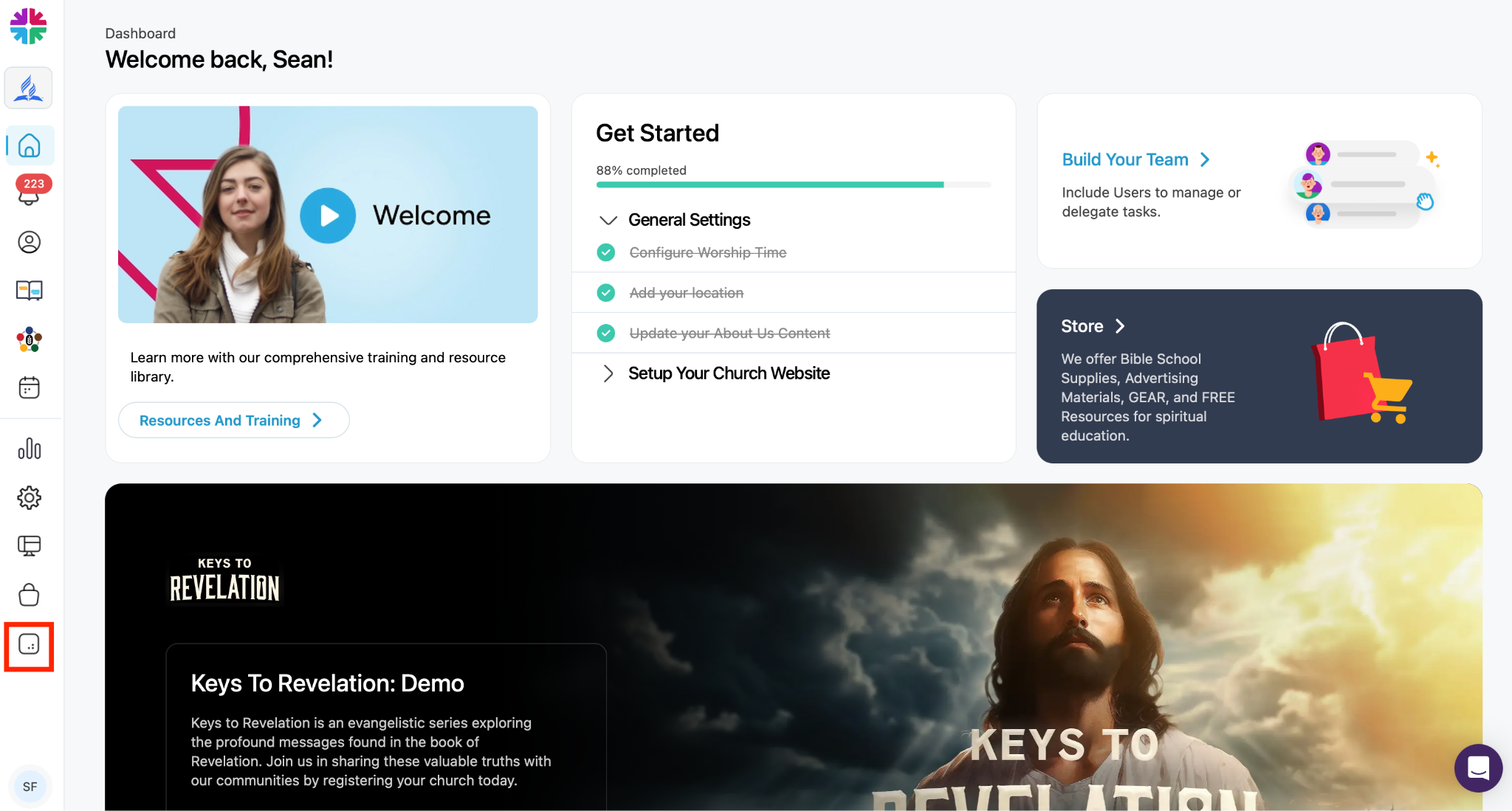
Resources & Training
This section contains:
- Training videos
- Help articles
- Tutorials
- Navigation guides
Profile & Account Settings
Click the profile icon in the top-right corner to access:
- Profile information
- Password settings
- Subscription details
- Billing information
- Account settings