How To Login To One Accord & Bible Study Offer

Step 1: Navigate to the Website
- Open your preferred browser (Chrome, Safari, Edge, etc.)
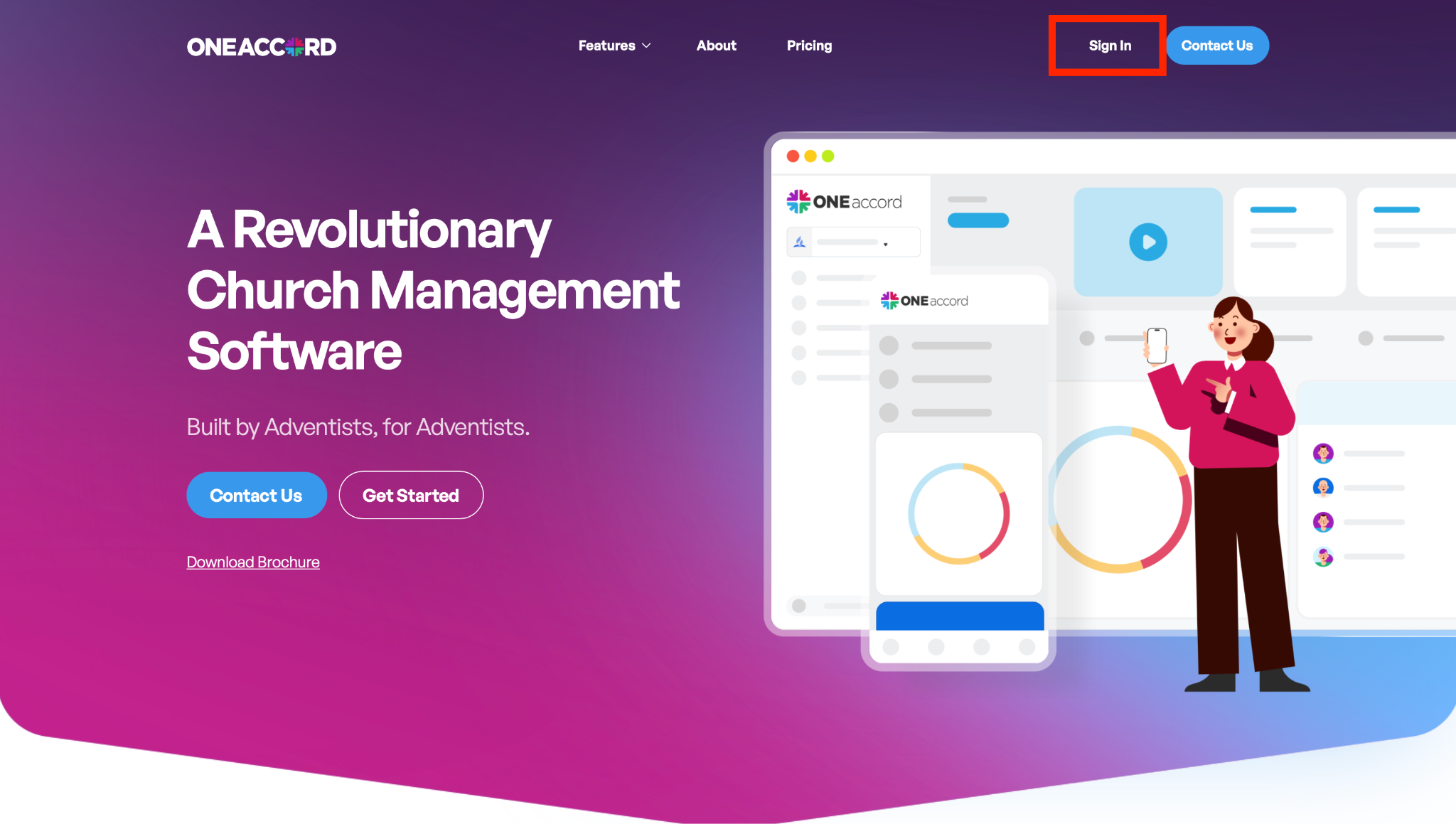
- Go to: http://oneaccord.cc
- Click “Sign In”
Step 2: Enter Your Login Credentials
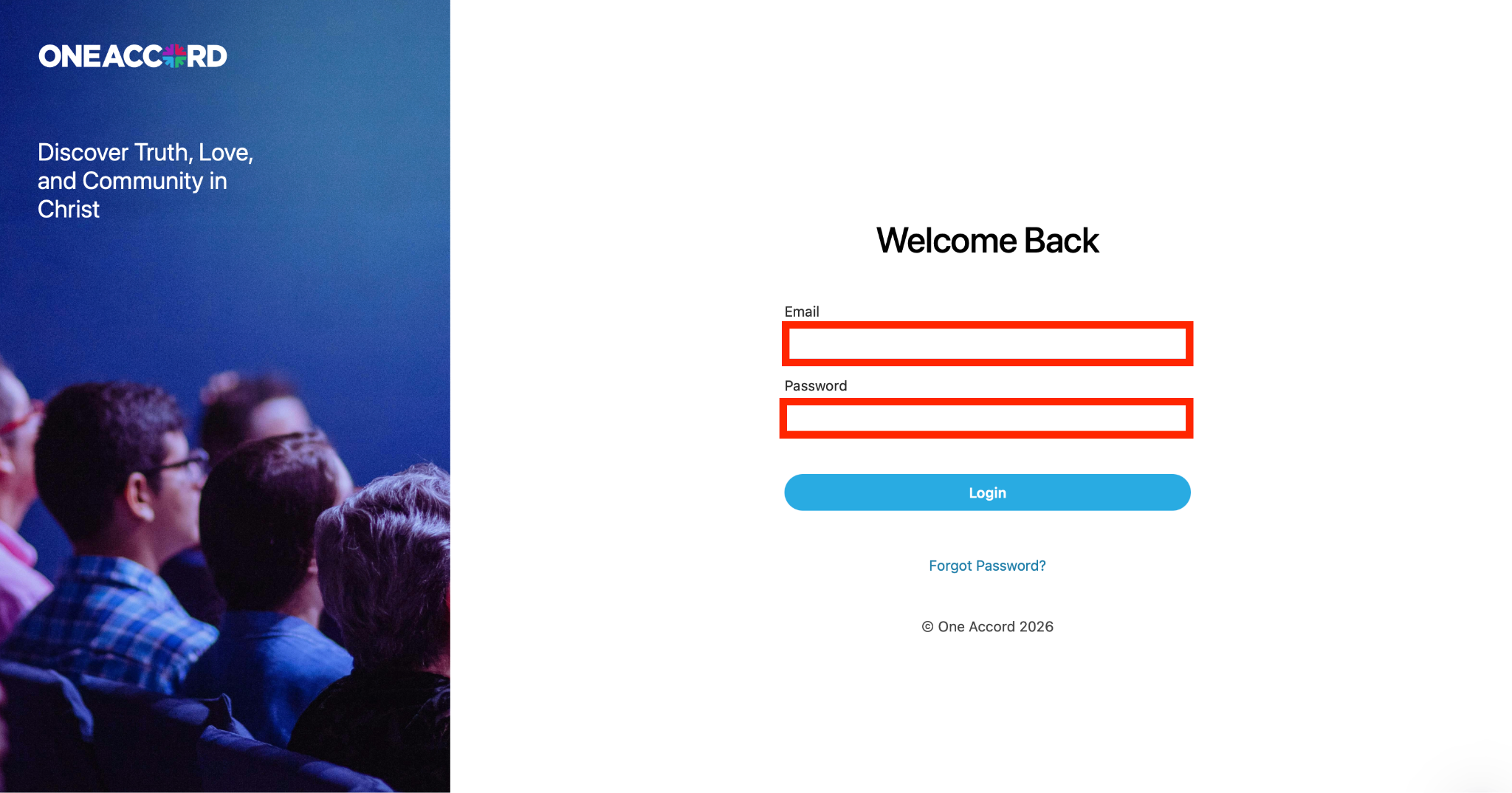
- In the Email field, enter the email used to create your account
- In the Password field, enter your password
Step 3: Click “Login”
- Select the Login button
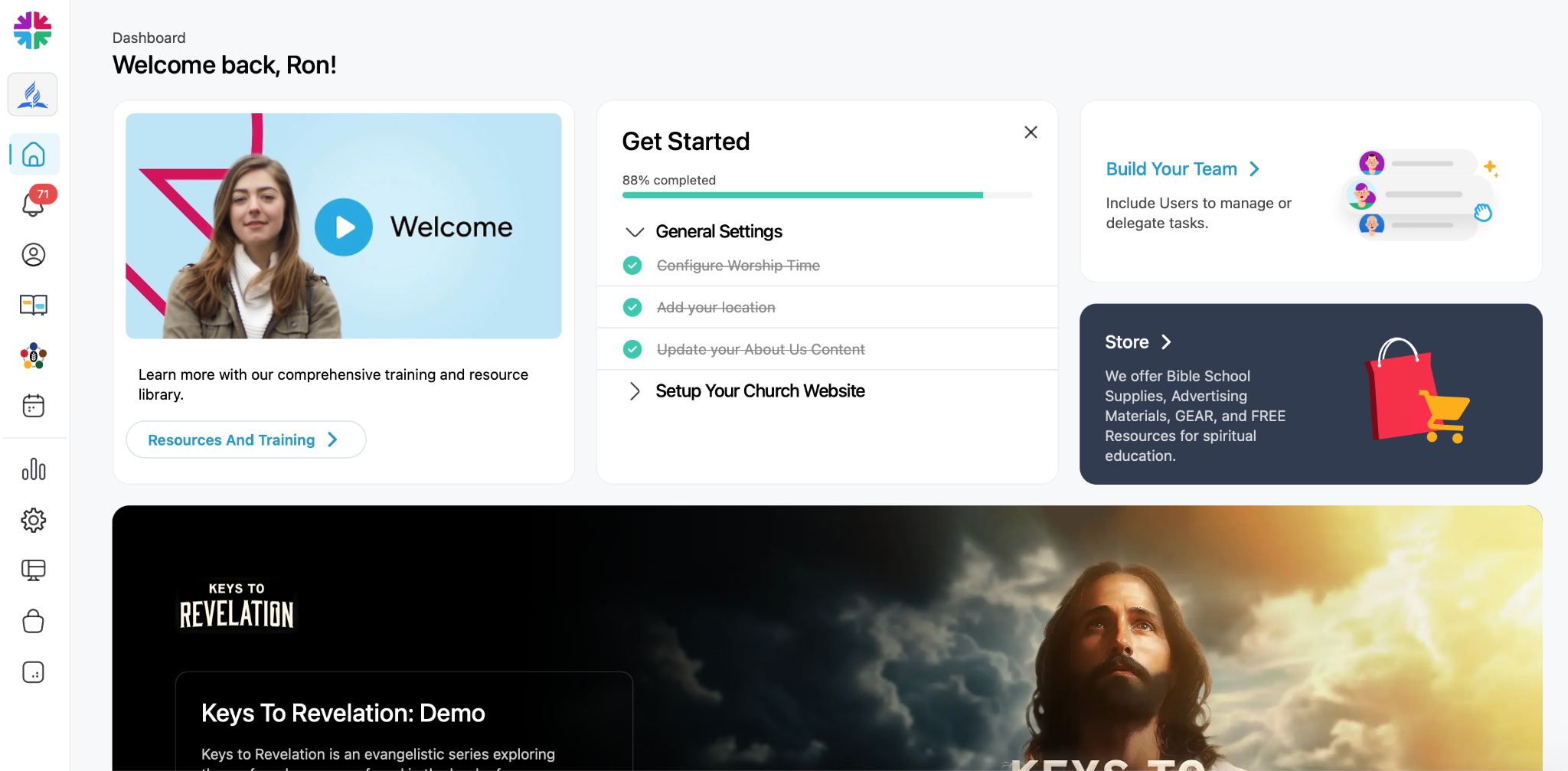
- If your credentials are correct, you will be taken straight to your dashboard
Additional Tip: Switching Between Church Accounts
If you have access to multiple church accounts:
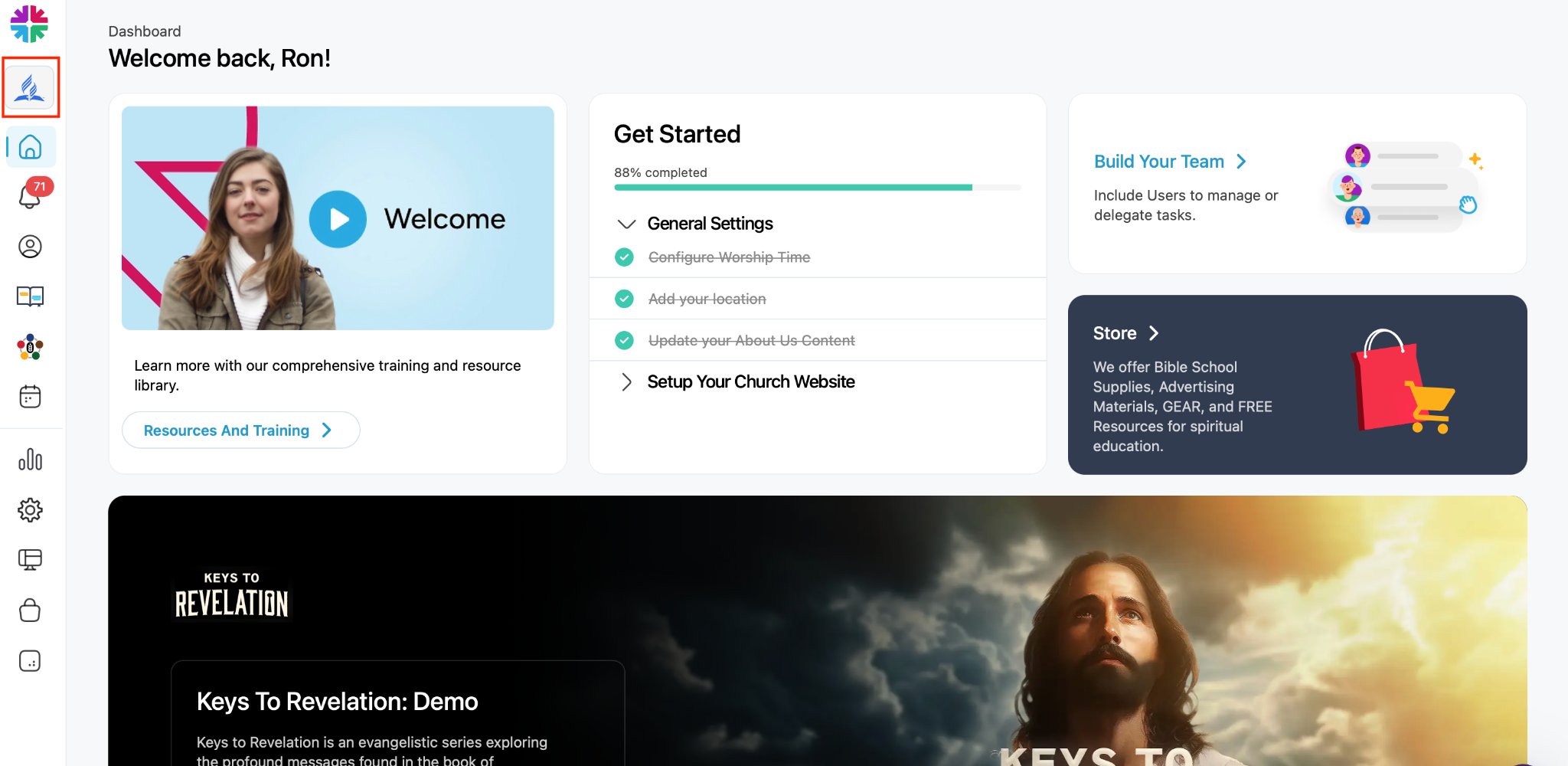
- Click the Seventh-day Adventist logo in the upper left corner
- Select the account you would like to access