


How To Reset Your Password

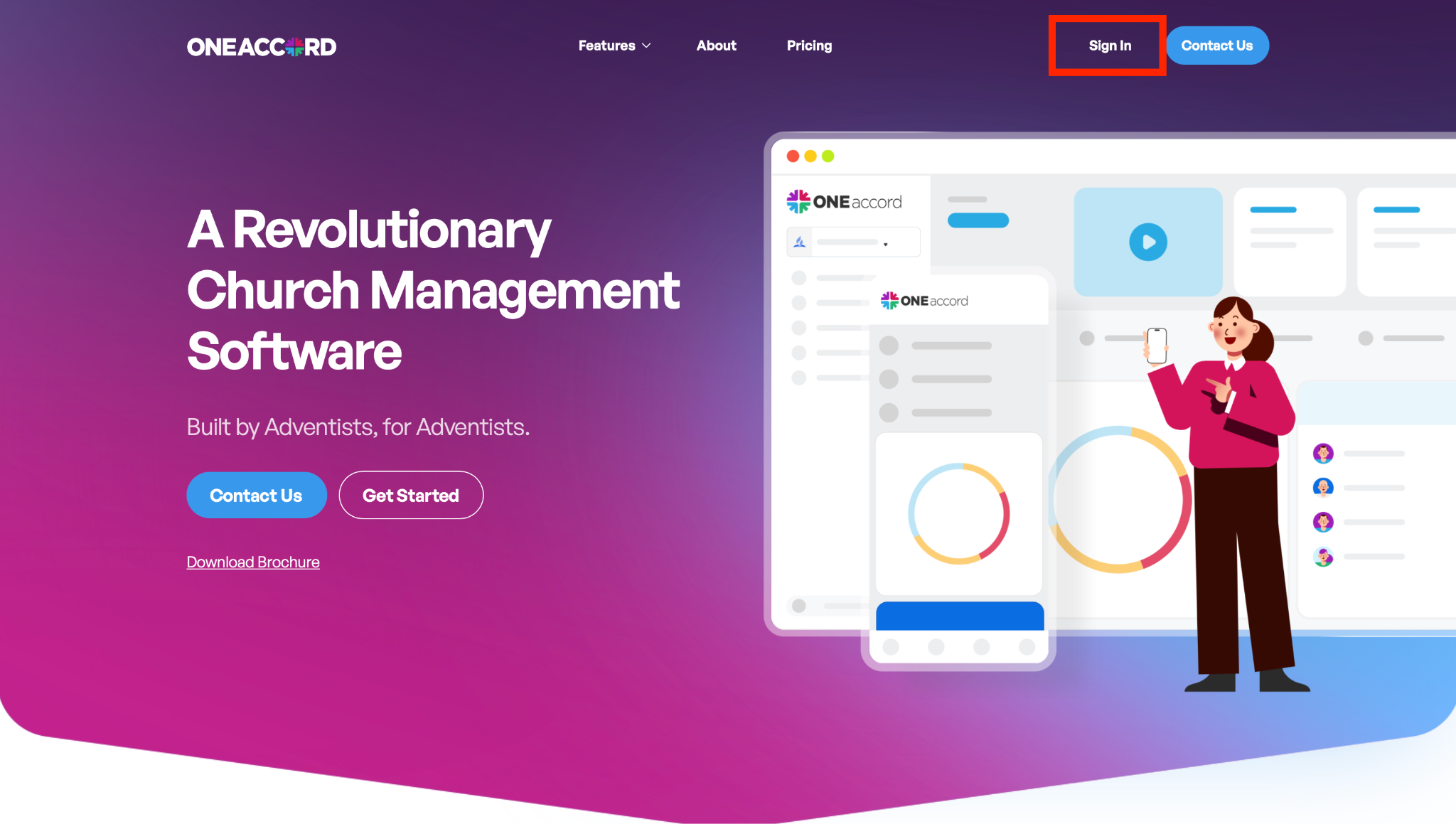
Step 1: Navigate to the Website
- Open your preferred web browser (Chrome, Safari, Edge, etc.)
- Go to: http://oneaccord.cc
- Click “Sign In”
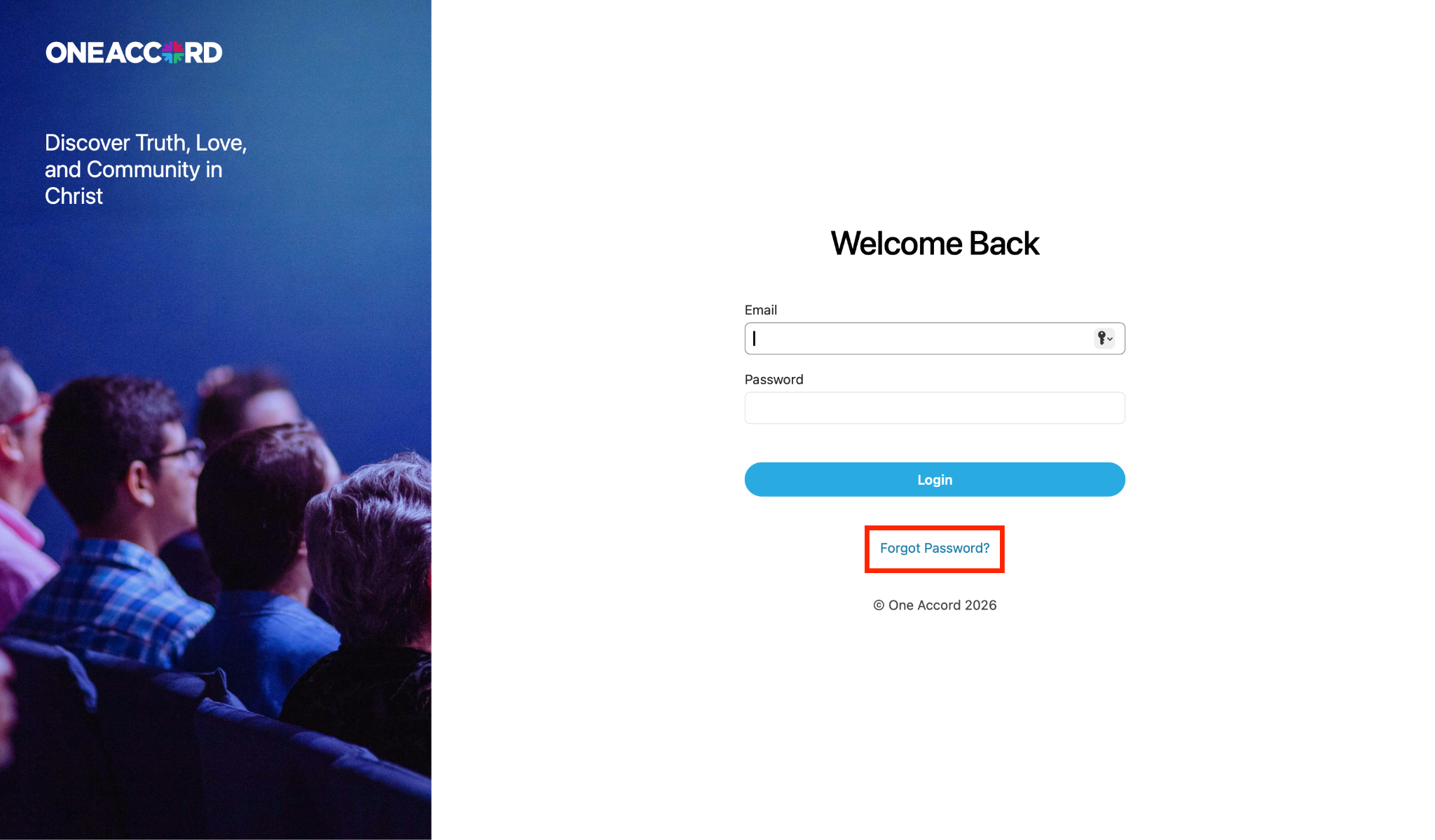
Step 2: Click “Forgot Password?”
- Below the login button, click “Forgot Password?”
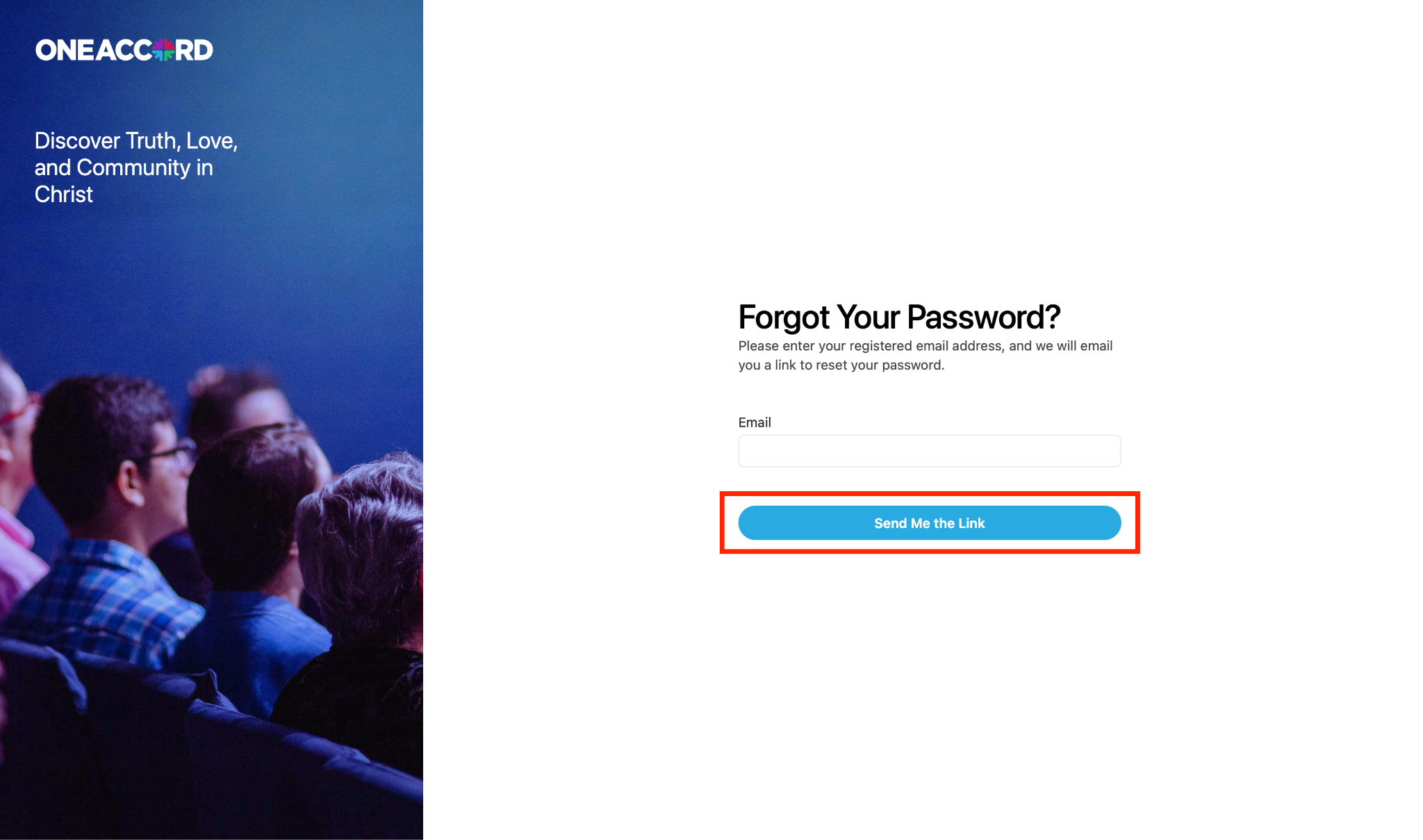
Step 3: Enter Your Email Address
- Enter the email address associated with your account
- Click “Send Me The Link”
Step 4: Check Your Email
- Look for an email from One Accord with your password reset link
- If you don’t see it, check your spam or junk folder
Step 5: Create a New Password
- Open the email and click the reset link
- Follow the prompts to create and confirm your new password
- Once complete, return to the login page and sign in with your new credentials